 SayMoney SayMoney
Just say what you spent — “eighteen bucks for lunch”, “sixty on gas” — and SayMoney logs it instantly, fully categorized. No spreadsheets. No typing.
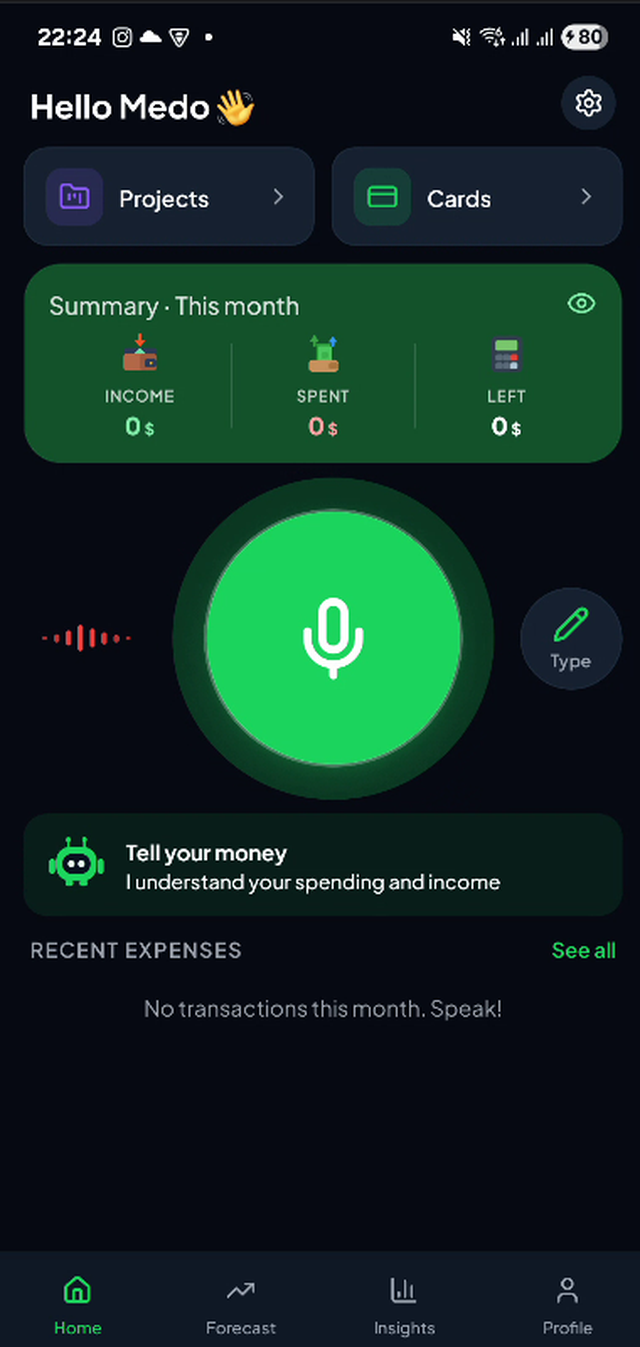
No forms, no receipts, no end-of-month cleanup. Speak, confirm, done.
Log an expense or paycheck in one breath. AI pulls out the amount, category, and merchant.
Track spending across your cards and accounts — Chase, Amex, Cash App, Venmo and more — plus custom projects with budgets.
See exactly where your money goes, get a weekly recap, and export a clean PDF or CSV in a tap.
Your voice clip is deleted right after processing. Encrypted in transit, isolated per account. CCPA-ready.
Log money you lent or borrowed and settle it automatically when it's paid back.
English, French, and Arabic. Multiple currencies, converted at the daily rate.
Tap the mic and say what you spent or earned, naturally.
SayMoney reads the amount, category, and note — then deletes the audio.
Confirm in one tap. Your balance, budgets, and insights update instantly.
No. Your audio is sent for processing and deleted immediately afterward. Only the resulting text (amount, category, note) is saved.
Yes. Data is encrypted in transit and isolated per account with row-level security. See our Privacy Policy.
English, French, and Arabic (right-to-left). Multiple currencies, converted at the daily rate.
In the app: Settings → “Delete my data.” Or use our account deletion page.